4. Reporting
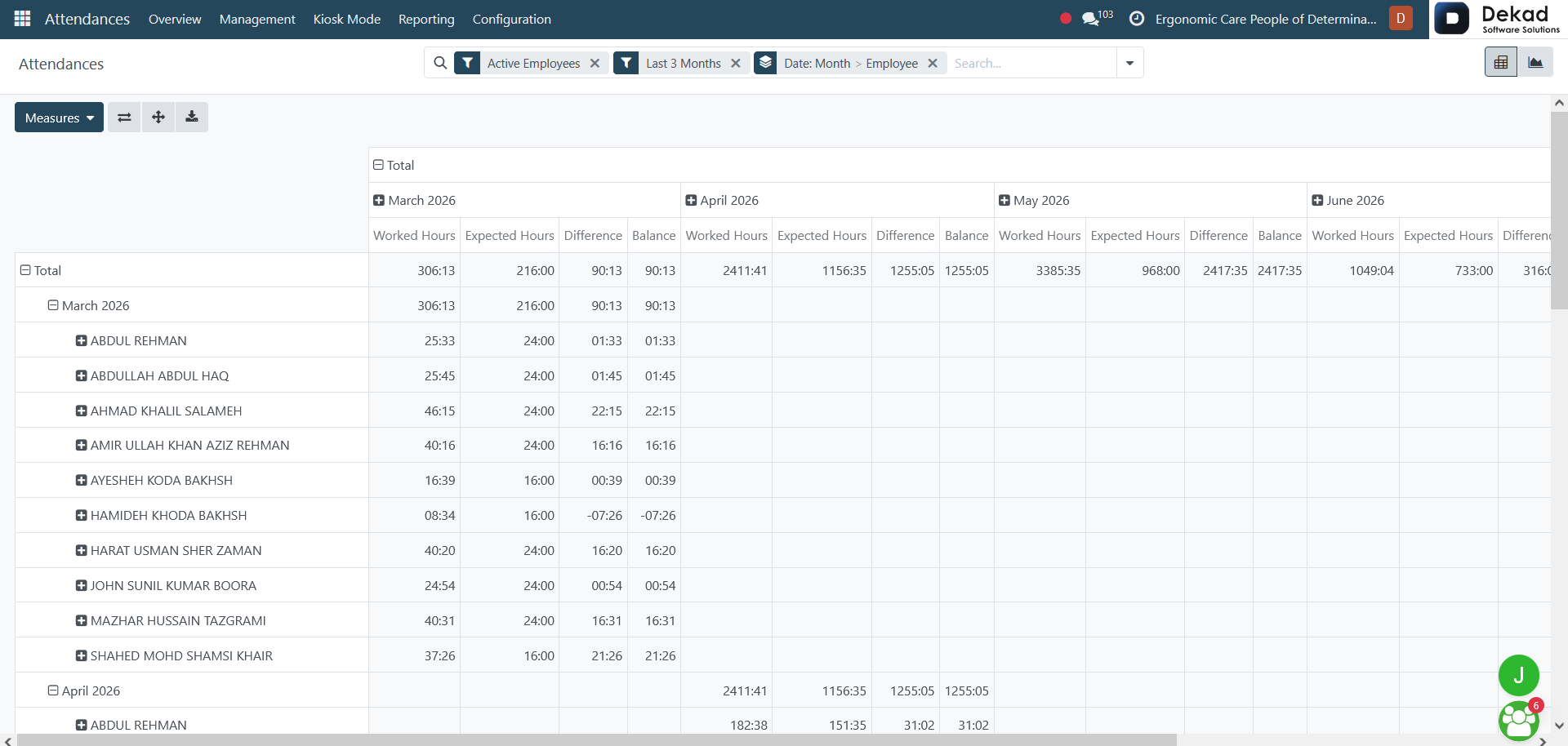
The Reporting section provides attendance reports
and analytical views that help users monitor
employee attendance records and working hours.
It presents attendance data in an organized
format, making it easier to review attendance
trends, track employee presence, analyze working
time, and support attendance-related
decision-making across the organization.
Graph View
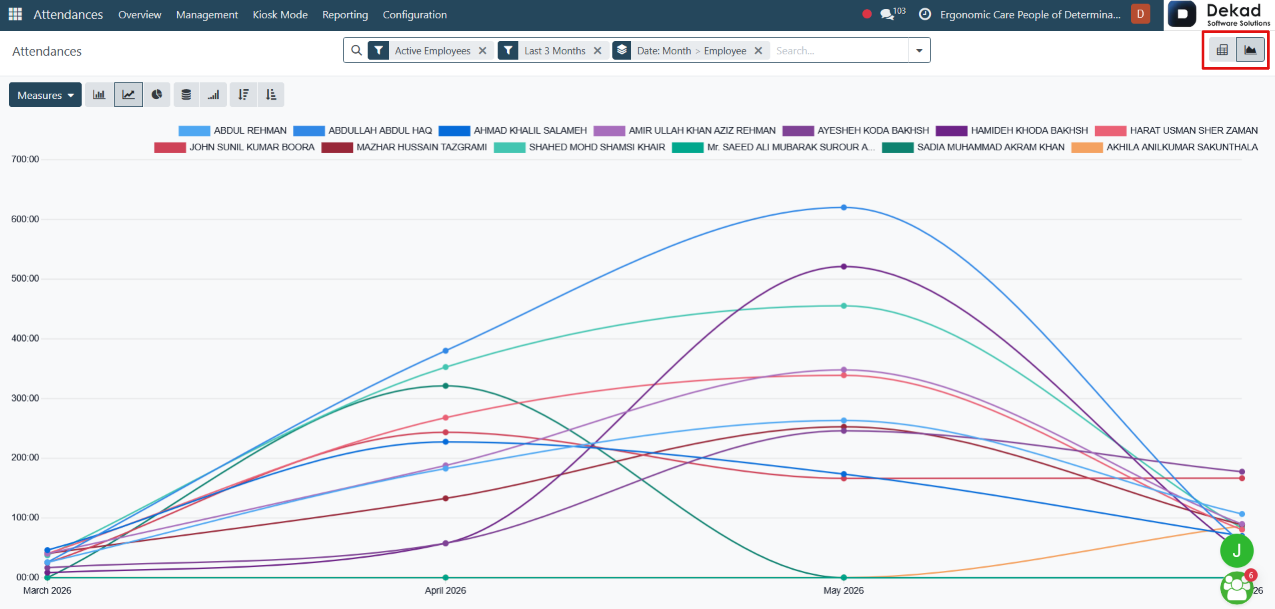
The Graph View displays attendance data in a
visual format, making it easier to analyze and
compare attendance information.
Users can quickly identify attendance patterns,
working hours, and employee attendance trends
through graphical representations. This view
helps managers and administrators gain better
insights into attendance data and supports
more effective reporting and analysis.
Search and Filtering
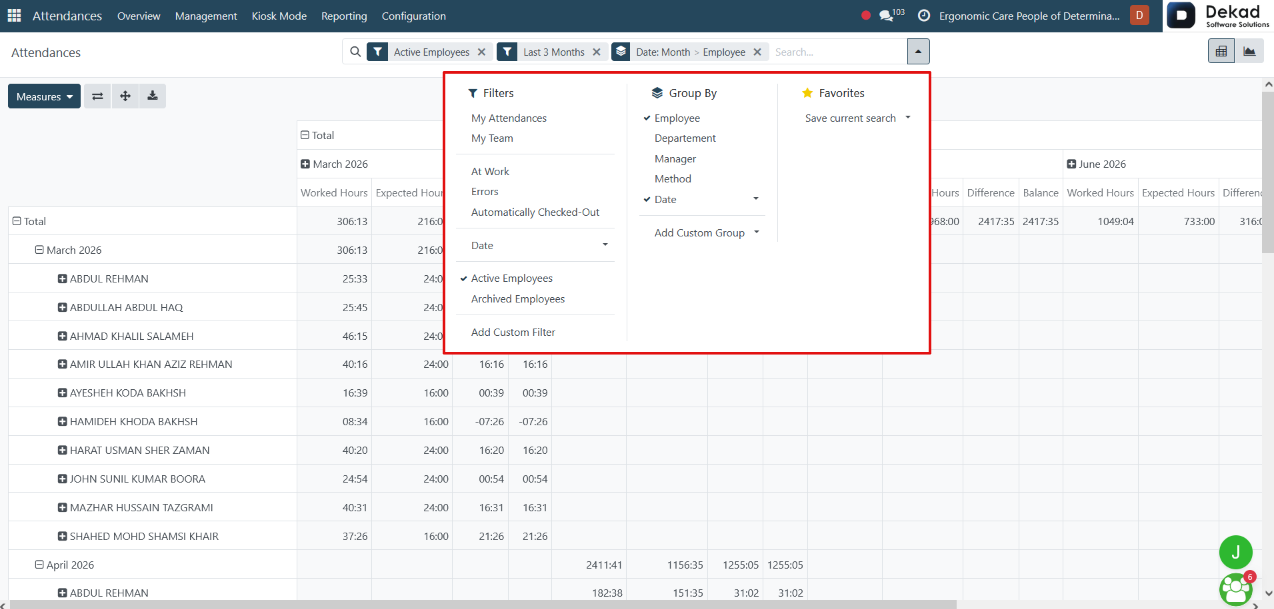
The Search and Filtering feature allows users
to quickly locate specific attendance
records within the graph view.
Attendance Details
By clicking on an employee's attendance record
in the graph view, detailed attendance
information is displayed.
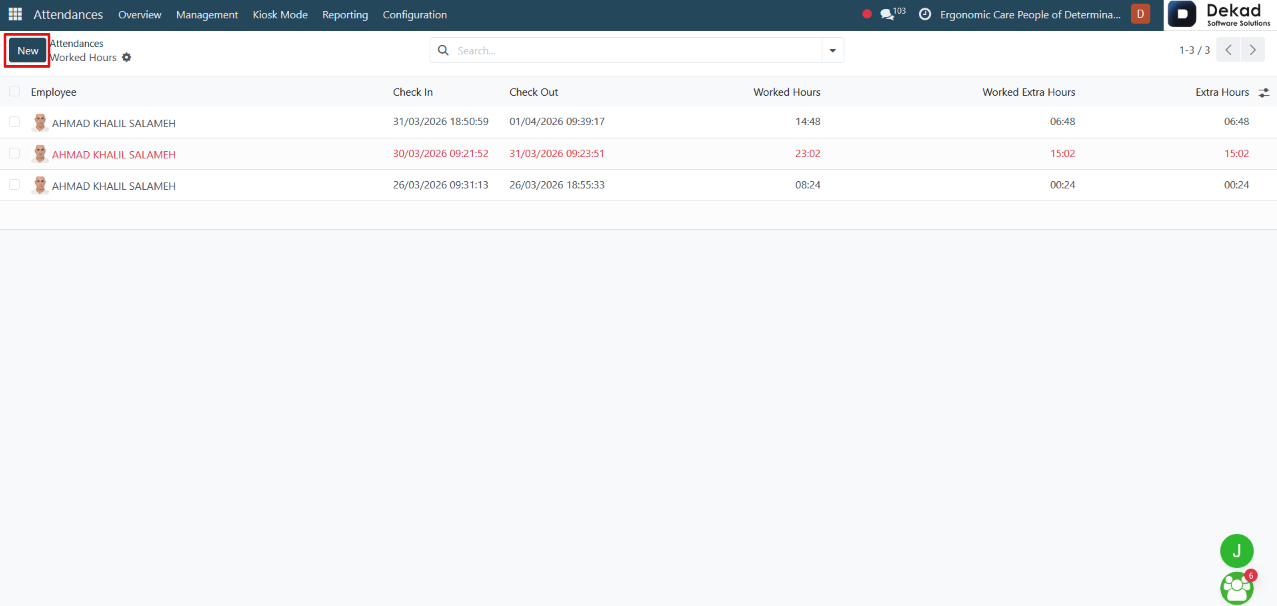
The record shows details such as Check In,
Check Out, Worked Hours, and Extra Hours,
allowing users to review the employee's
attendance activity and working time. Users
can also create a new attendance record
using the New button when needed.