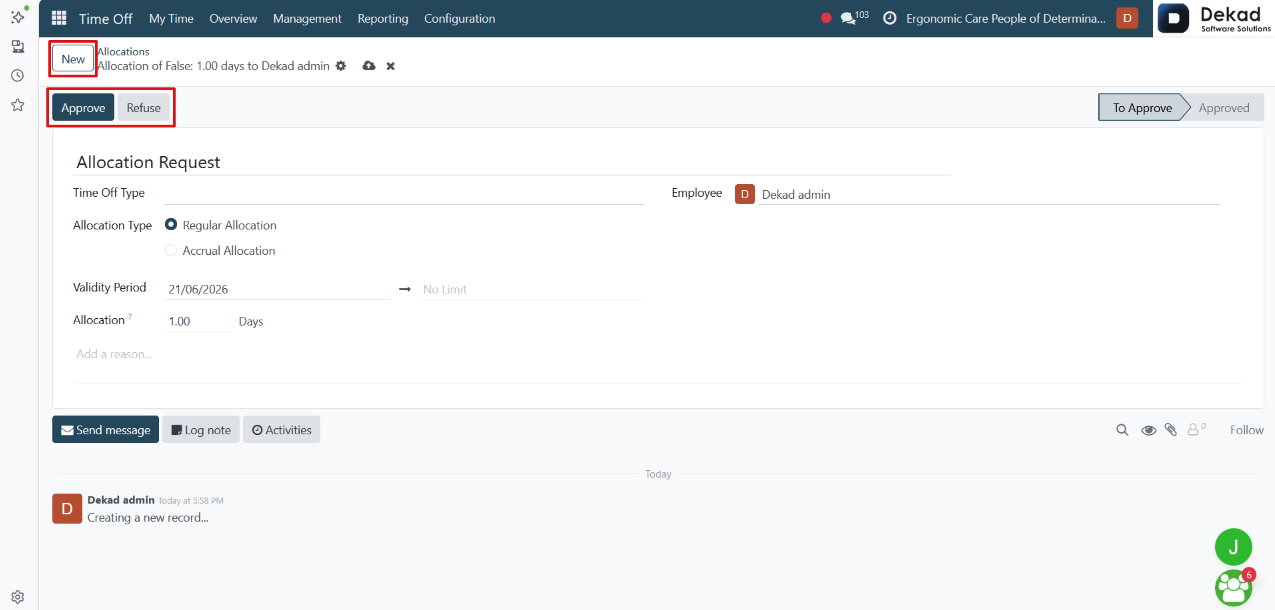
3. Management
The Management section provides tools for managing
employee time off and allocation requests
across the organization.
It allows authorized users to review requests,
monitor leave records, approve or refuse submissions,
and track employee balances. This section helps
managers and administrators oversee leave activities
and ensure proper scheduling and workforce planning.
3.1 Time Off
The Time Off page allows managers and authorized
users to view and manage employee leave requests
across the organization.
It provides a centralized view of all time off
records, including request details, statuses,
and employee information. Users can review
requests, approve or refuse them, and track
leave activities to ensure proper workforce
planning and scheduling.
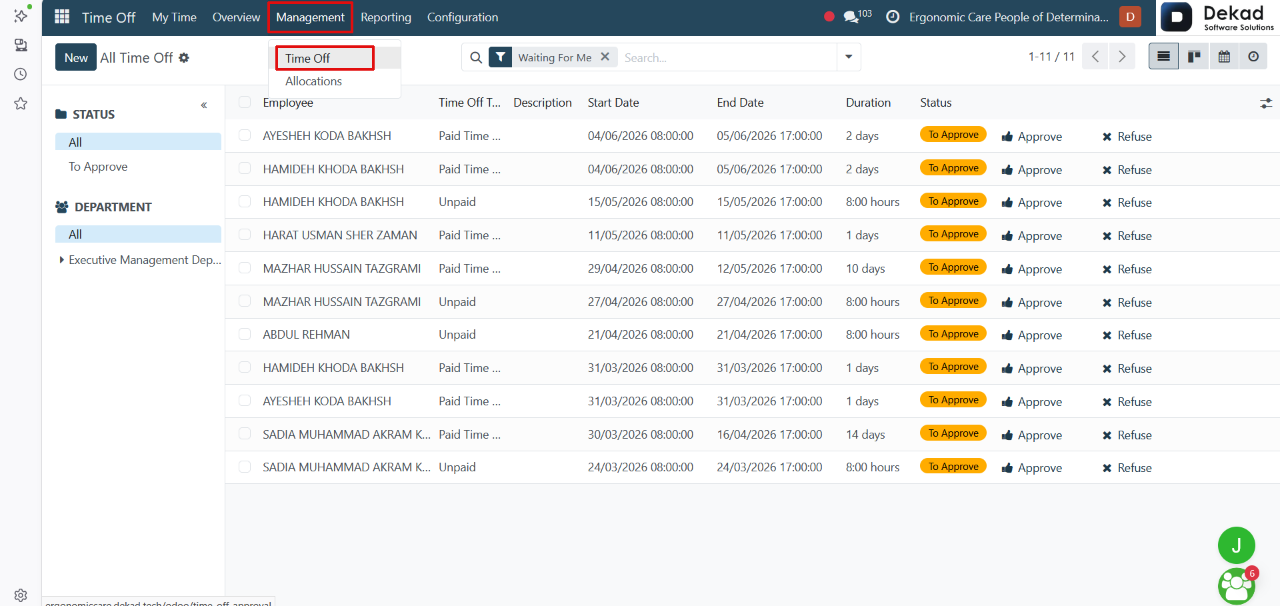
Status
The Status filter is used to display time
off requests based on their current approval status.
• All: Displays all requests regardless of their status.
• To Approve: Displays only requests that are waiting
for approval and have not yet been approved or refused.
Department
The Department filter is used to
display requests for a specific department.
• All: Displays requests from all departments.
• Executive Management Department: Displays only
requests submitted by employees within the
Executive Management Department.
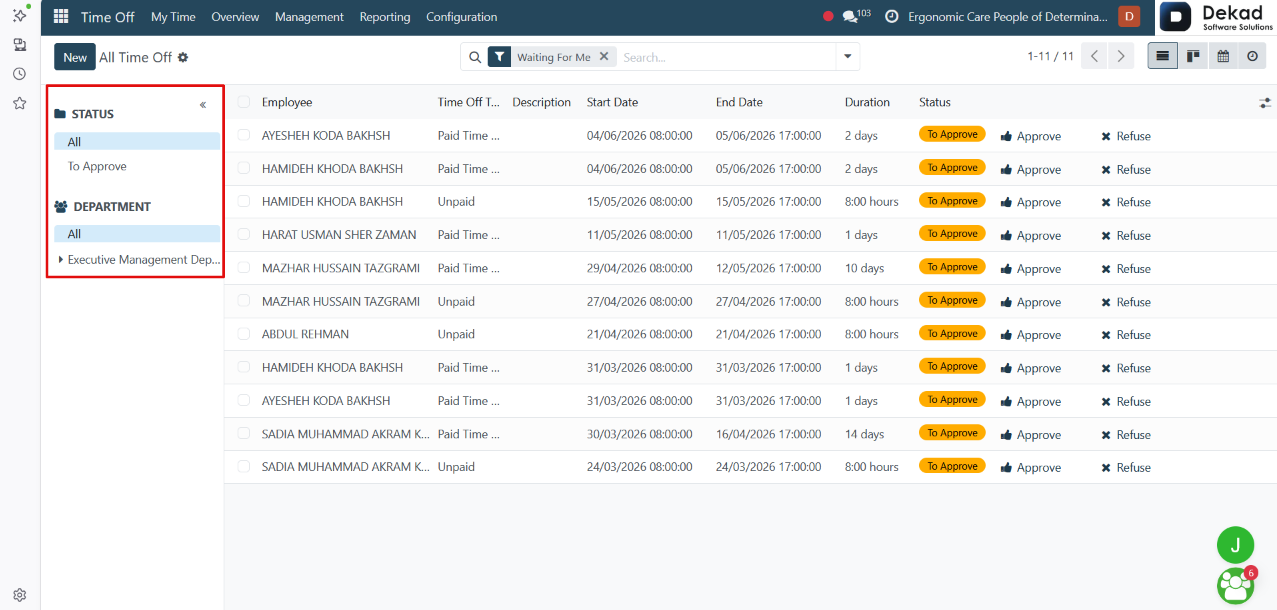
Search and Filtering
The Search and Filtering feature helps
managers quickly find specific time off
requests by searching for employees, departments,
or other request details. Filters can also be
used to display requests based on selected
criteria, making it easier to review and
manage leave records.
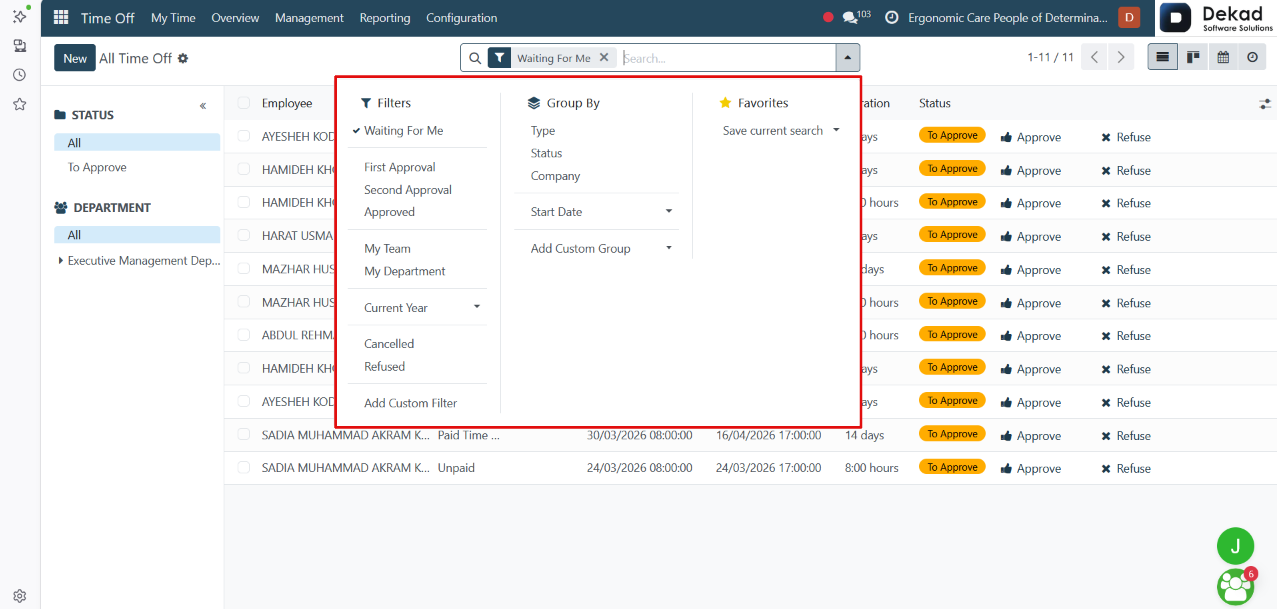
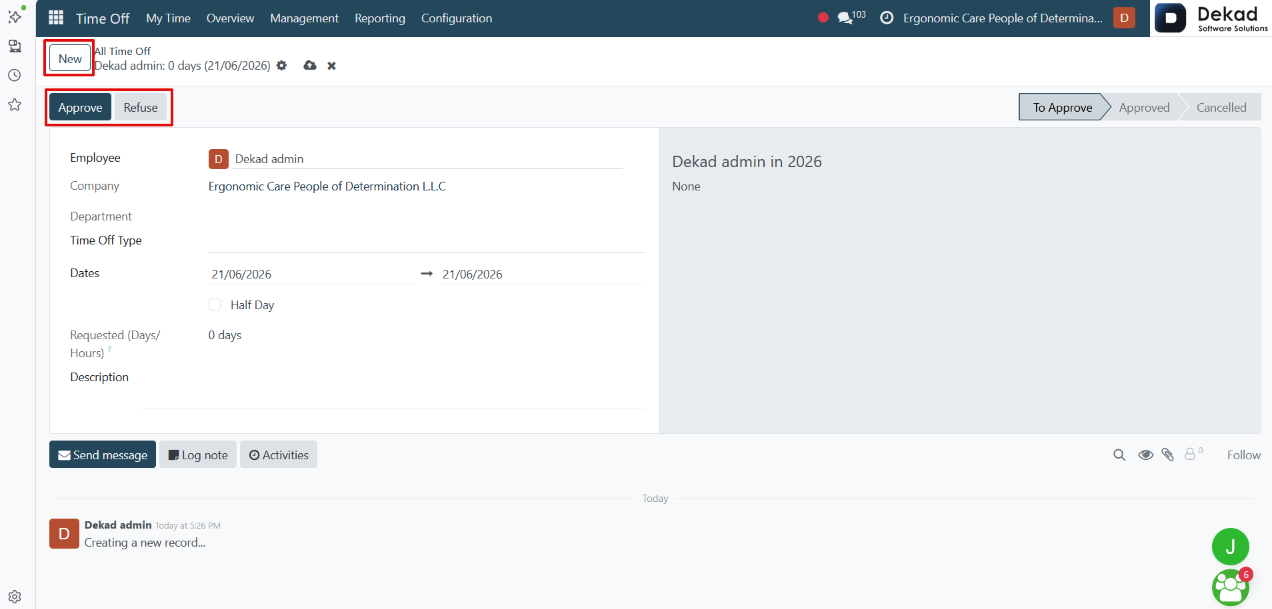
New Time Off Request
When the user clicks on the New button,
a new time off request form opens where
the required employee leave details can be entered.
After submitting the request, it is sent for review
and appears in the system with the status To Approve.
At this stage, the request must be reviewed by an
authorized user, who can either Approve the
request to confirm it or Refuse it to reject it.
This ensures that every time off request goes
through an approval process before being finalized.
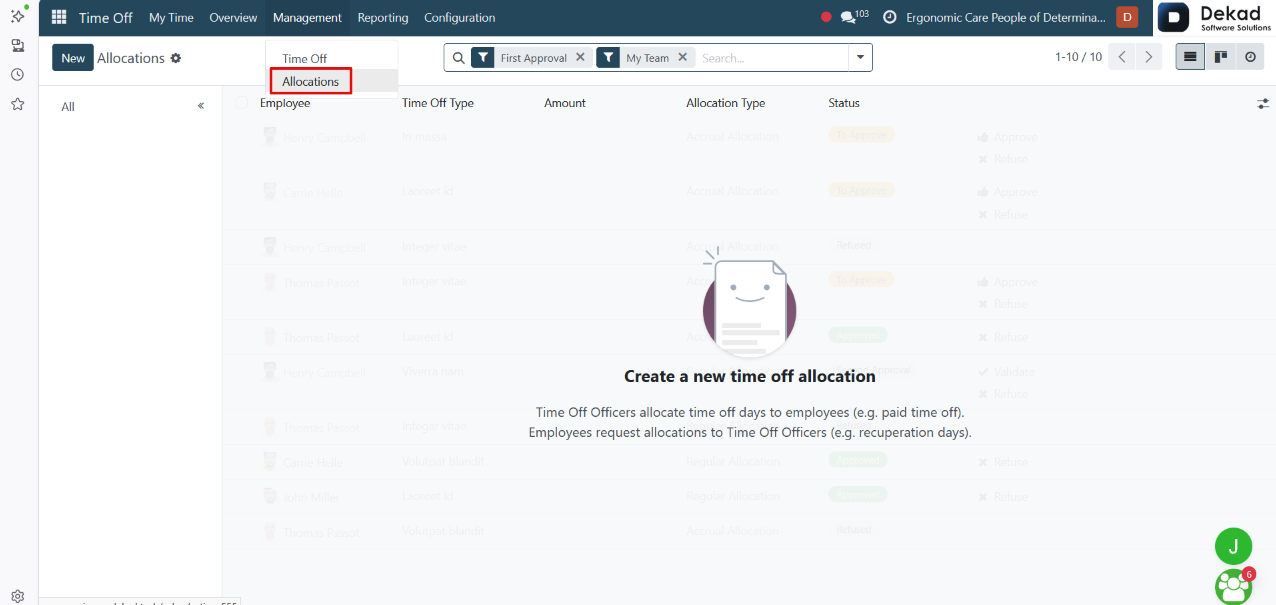
3.2 Allocations
The Allocations section is used to manage and track
employee leave balances within the organization.
It allows authorized users to view how many leave
days or hours are assigned to each employee based
on their time off type. This section helps ensure
that employees have the correct available balance
before submitting or using time off requests.
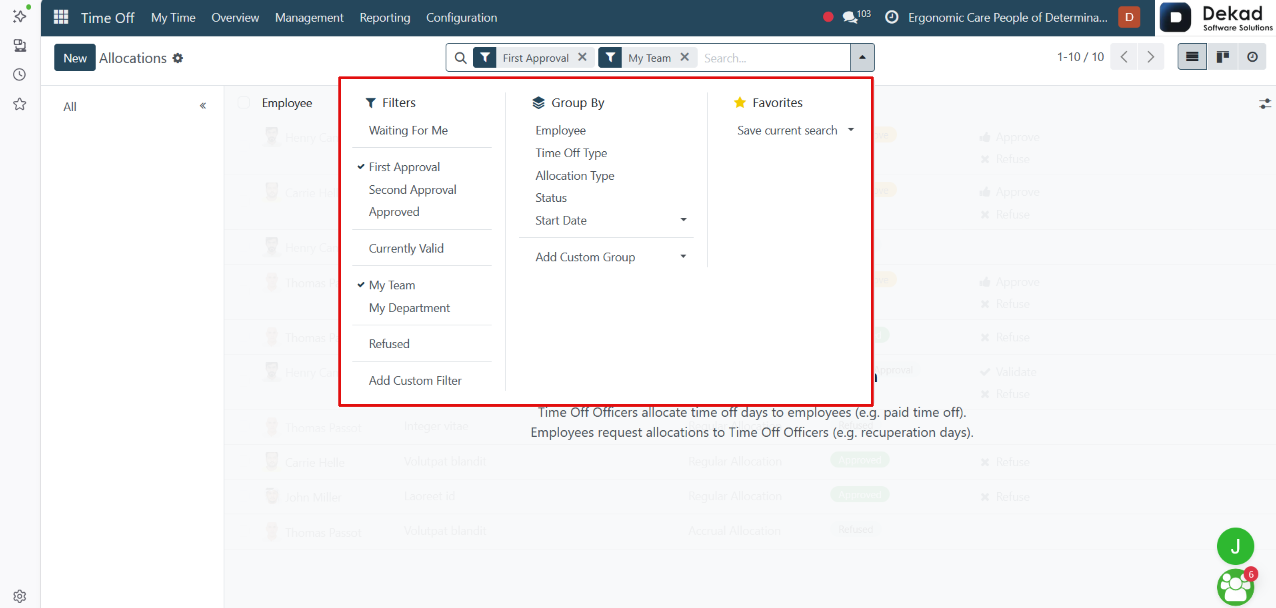
Search and Filtering
The Search and Filtering feature helps users
quickly find allocation records without going
through the full list.
Users can search using keywords or employee-related
information, while filters allow narrowing results
based on specific criteria such as status,
department, or other allocation details. This
makes it easier to access and manage the
required records efficiently.
New Allocation Request
When the user clicks on New Allocation, a
form is opened to request or assign leave
balance for an employee.
The form includes key information such as the
employee, company, and department, along with
the selected time off type. It also requires
defining the validity period, which indicates
the start (and possible end) date for
the allocation.
Users then enter the number of allocated days
or hours, which represent the leave balance
being granted. A description field is available
to add any additional notes or reasons for the
allocation before submitting the request.
Actions
• Approve
Approves the allocation request and confirms it in the system.
• Refuse
Rejects the allocation request and prevents it from being assigned.