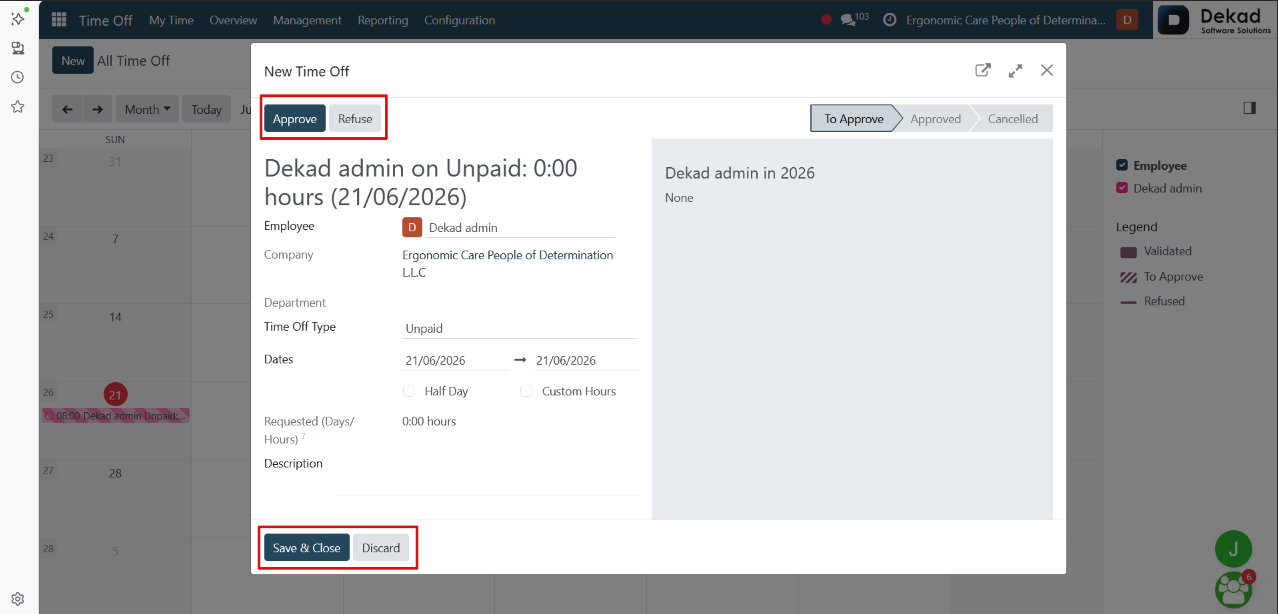
2. Overview
The Overview page provides a general summary of
employee time off information in a single view.
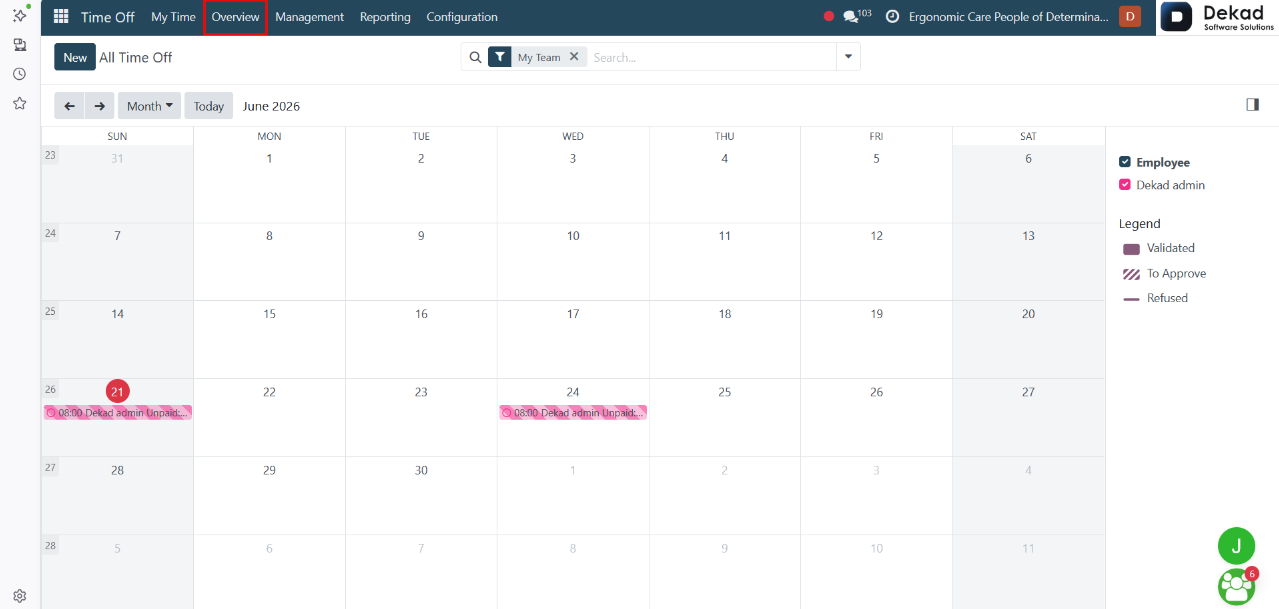
It displays a calendar-based overview of all
time off activities, where requests are
shown with different colors based on their
status (such as pending, approved, or refused).
Users can easily switch between different
views like day, week, month, or year to
better understand scheduling over different
time periods.
The page also shows a summary of available time off balances and
provides quick access to key information, helping
users track absences and plan schedules efficiently.
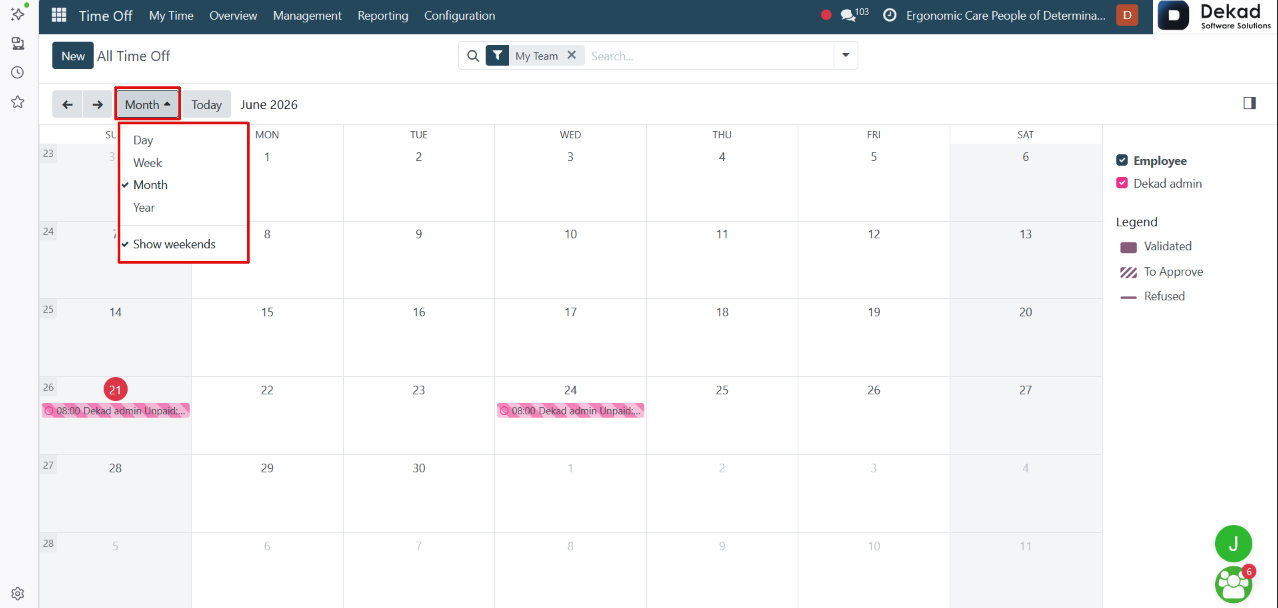
Search and Filtering
The search and filtering feature allows users
to quickly locate specific allocation records
and display only the information they need.
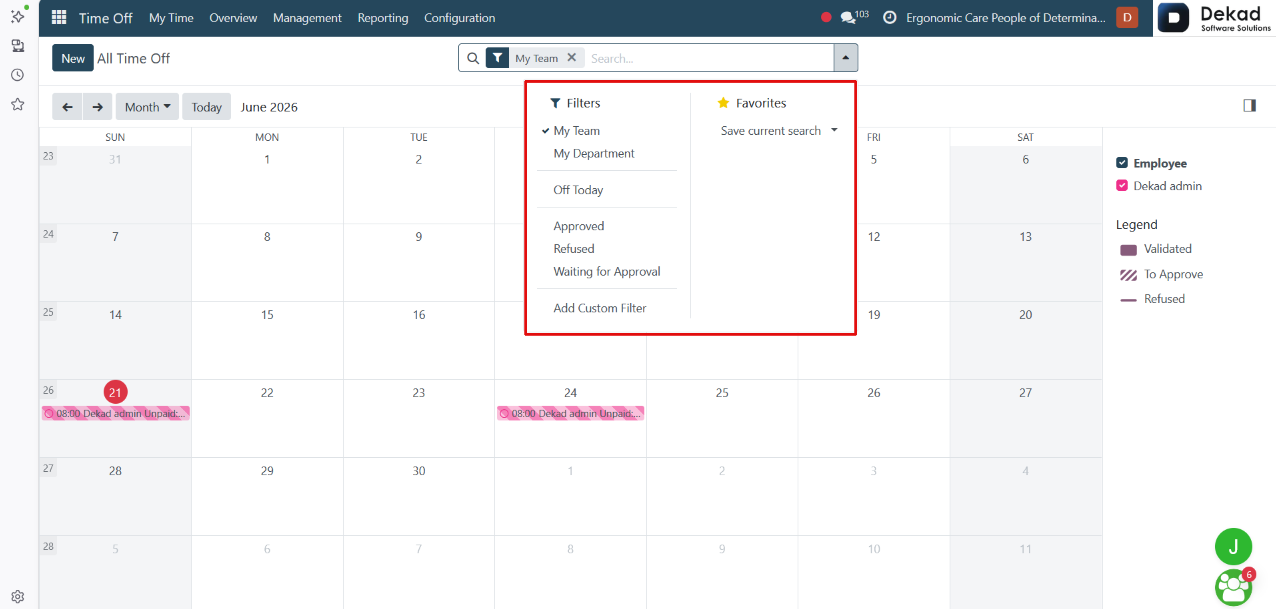
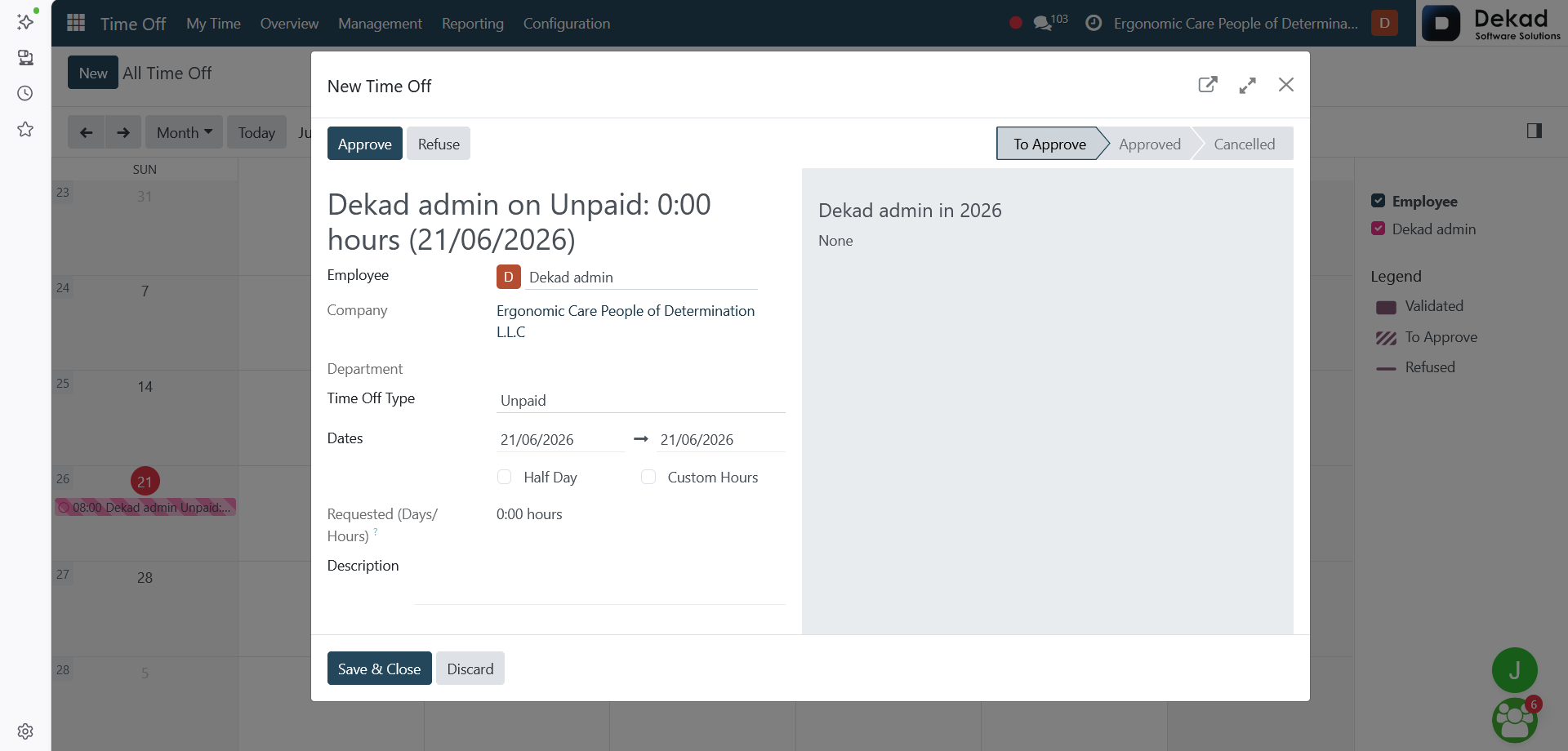
New Time Off
The New Time Off form is used to create
a leave request for an employee.
The form includes basic information such as
the employee name, company, department,
time off type, and the requested dates.
Users can also specify whether the request
is for a half day or custom hours.
The system automatically calculates the
requested duration in days or hours, and
users can add additional notes in the description
field before submitting the request.
Actions
• Approve
Approves the time off request and confirms it in the system.
• Refuse
Rejects the request and prevents it from being approved.
• Save & Close
Saves the entered information and closes the form.
• Discard
Closes the form without saving any changes.