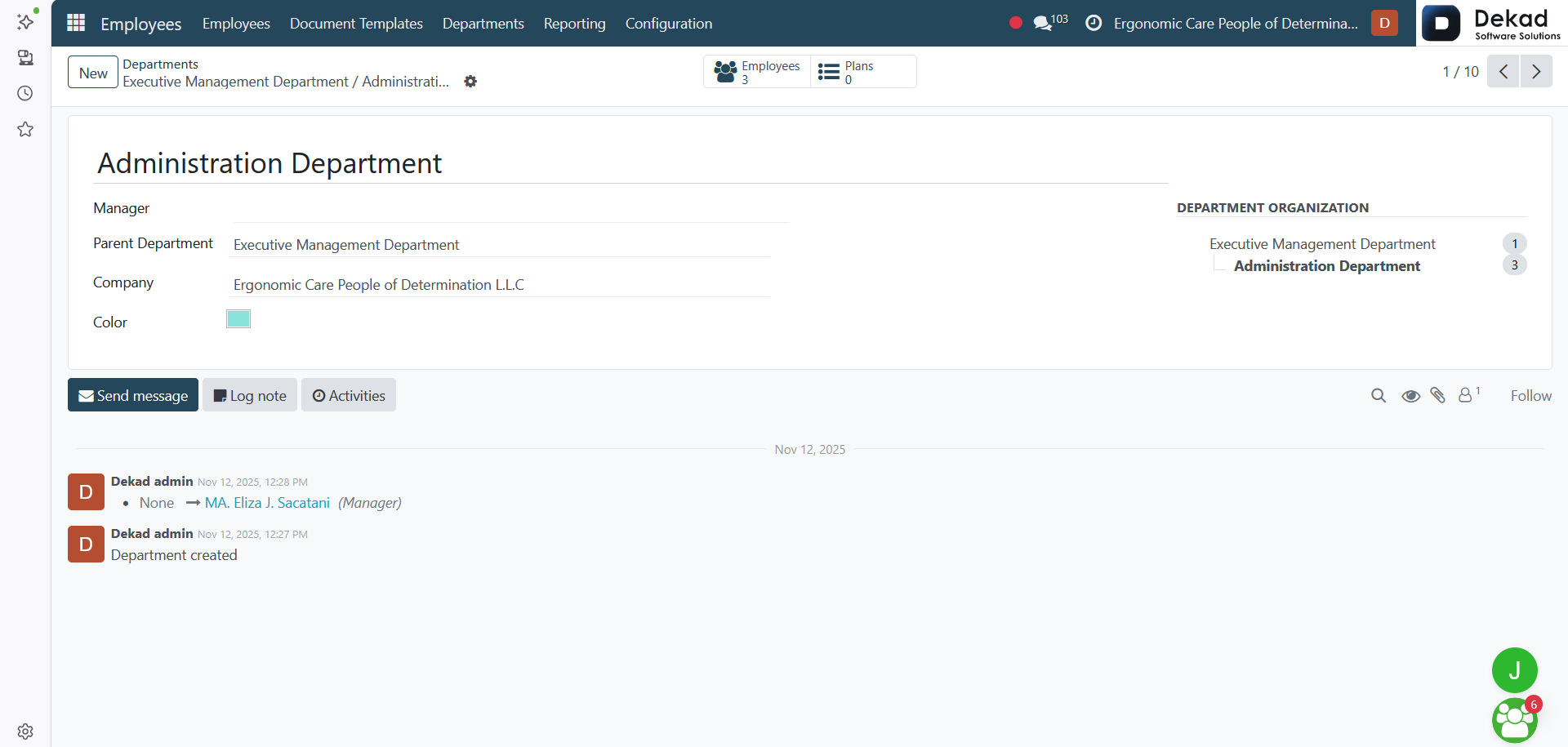
2. Departments
The Departments section is used to create and manage
the company's organizational departments.
It allows users to organize employees into different
departments, assign department managers, and define
the organizational structure. Departments help
simplify employee management, reporting, approvals,
and other HR processes by grouping employees
according to their roles within the company.
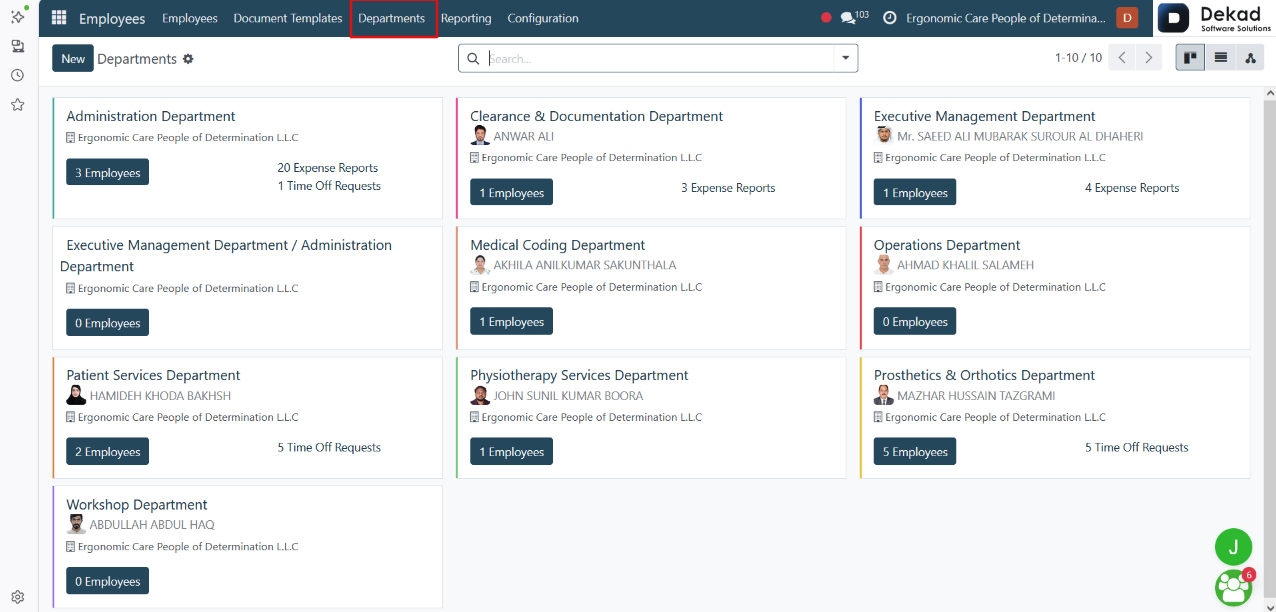
Department Overview
Each department card displays key information at
a glance, including the department name and the
number of employees assigned to that department.
If there are any Time Off Requests awaiting approval,
they are also displayed on the department card,
allowing managers to quickly identify pending requests
and access them directly from the department overview.
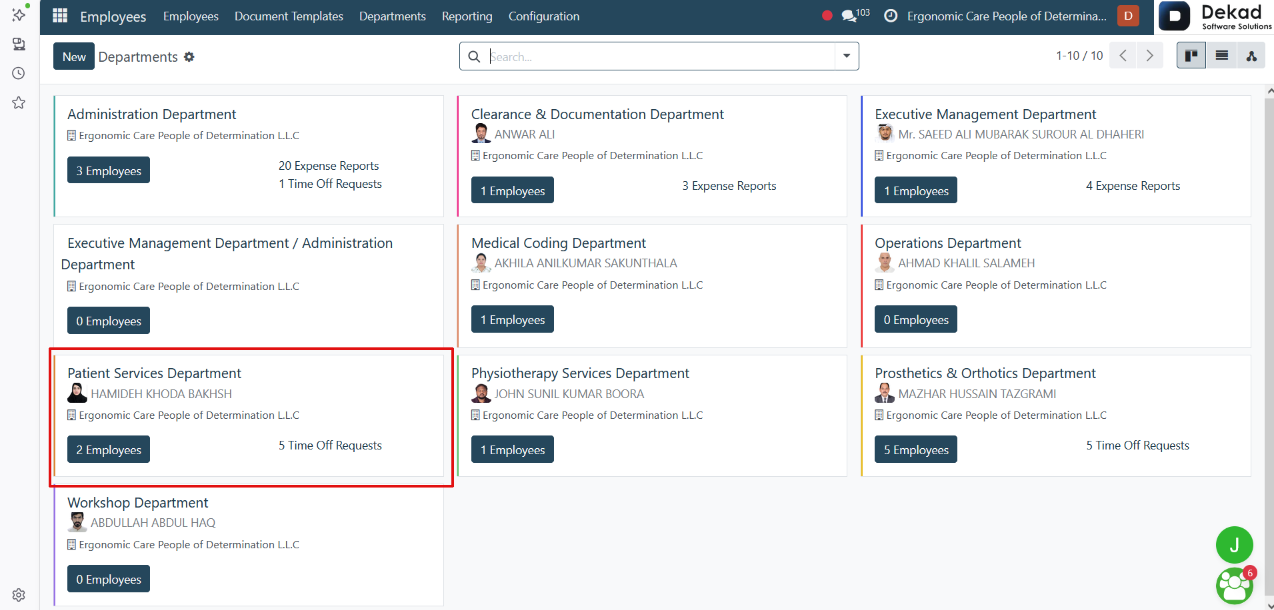
Department Details
By clicking on a Department, the system opens the department
profile, where users can view and manage department-related
information.
The profile displays details such as the Department Name,
Manager, Parent Department, and Company. After the
department is saved, a Department Organization chart
is also displayed, showing the department's position
within the company hierarchy and the number of
employees in each related department. Users can
also access the department's employees and other
related records directly from the department profile.